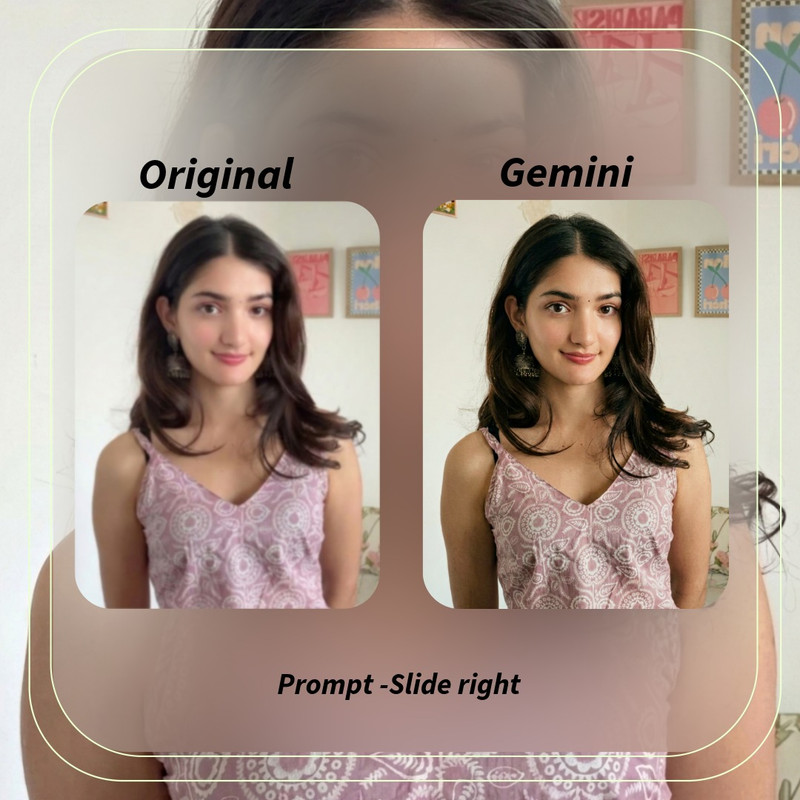
Post #1 C / 4k image
4kEasyChatGPT
This prompt works great with ChatGPT image generation. Copy & paste and create your image!
What this prompt is useful for
This prompt is built for ai image generation and creative edits, and works best with ChatGPT. Final images typically suit Instagram / TikTok / YouTube in 4:5 / 9:16 / 1:1 format.
How to use this prompt
- Copy the prompt text below (choose the girl or boy version, whichever fits).
- Open your AI image tool (ChatGPT, Gemini, Leonardo AI, or similar).
- Paste the prompt, and upload a clear reference photo if the prompt calls for one.
- Generate the image, then try a second generation if the first result needs adjusting.
- Download and share your result.
👩 Girl Version
Prompt 3
Prompt 3
Enhance the portrait while strictly preserving the subject's identity with accurate facial geometry. Do not change their expression or face shape. Only allow subtle feature cleanup without altering who they are.
Keep the exact same background from the reference image. No replacements, no changes, no new objects, no layout shifts. The environment must look identical.
The image must be recreated as if it was shot on a Sony A1, using an 85mm f1.4 lens, at f1.6, ISO 100, 1/200 shutter speed, cinematic shallow depth of field, perfect facial focus, and an editorial-neutral color profile.
This Sony A1+ 85mm f1.4 setup is mandatory. The final image must clearly look like premium full-frame Sony A1 quality.
Lighting must match the exact direction, angle, and mood of the reference photo. Upgrade the lighting into a cinematic, subject-focused style: soft directional light, warm highlights, cool shadows, deeper contrast, expanded dynamic range, micro-contrast boost, smooth gradations,
and zero harsh shadows.
Maintain neutral premium color tone, cinematic contrast curve, natural saturation, real skin texture (not plastic), and subtle film grain. No fake glow, no runway lighting, no oversmoothing.
Render in 4K resolution, 10-bit color, cinematic editorial style, premium clarity, portrait crop, and keep the original environmental vibe untouched.
Re-render the subject with improved realism, depth, texture, and lighting while keeping identity and background fully preserved.
NEGATIVE INSTRUCTIONS:
No new background.
No background change.
No overly dramatic lighting.
No face morphing.
No fake glow.
No flat lighting.
No over-smooth skin.
👨 Boy Version
Prompt 3
Prompt 3
Enhance the portrait while strictly preserving the subject's identity with accurate facial geometry. Do not change their expression or face shape. Only allow subtle feature cleanup without altering who they are.
Keep the exact same background from the reference image. No replacements, no changes, no new objects, no layout shifts. The environment must look identical.
The image must be recreated as if it was shot on a Sony A1, using an 85mm f1.4 lens, at f1.6, ISO 100, 1/200 shutter speed, cinematic shallow depth of field, perfect facial focus, and an editorial-neutral color profile.
This Sony A1+ 85mm f1.4 setup is mandatory. The final image must clearly look like premium full-frame Sony A1 quality.
Lighting must match the exact direction, angle, and mood of the reference photo. Upgrade the lighting into a cinematic, subject-focused style: soft directional light, warm highlights, cool shadows, deeper contrast, expanded dynamic range, micro-contrast boost, smooth gradations,
and zero harsh shadows.
Maintain neutral premium color tone, cinematic contrast curve, natural saturation, real skin texture (not plastic), and subtle film grain. No fake glow, no runway lighting, no oversmoothing.
Render in 4K resolution, 10-bit color, cinematic editorial style, premium clarity, portrait crop, and keep the original environmental vibe untouched.
Re-render the subject with improved realism, depth, texture, and lighting while keeping identity and background fully preserved.
NEGATIVE INSTRUCTIONS:
No new background.
No background change.
No overly dramatic lighting.
No face morphing.
No fake glow.
No flat lighting.
No over-smooth skin.
Customization tips
- Swap specific words (colours, outfit, setting) in the prompt to match your own idea.
- If the result doesn't look right, try regenerating — AI image tools can vary between runs.
- Upload a clear, well-lit reference photo if the prompt asks you to use one.
Important image-generation tips
- Use a high-resolution reference photo for the most accurate result.
- Different AI tools (ChatGPT, Gemini, Leonardo AI) can render the same prompt differently — try more than one if you're not happy with the first result.
- Some tools may need the prompt split into two messages if it's long; paste it in full first and only split if it's rejected.
Prompt details
| Category | 4k |
| Difficulty | Easy |
| Format | 4:5 / 9:16 / 1:1 |
| Platform | Instagram / TikTok / YouTube |
| Works best with | ChatGPT |
| Best for | AI image generation and creative edits |
🔗 Related Prompts
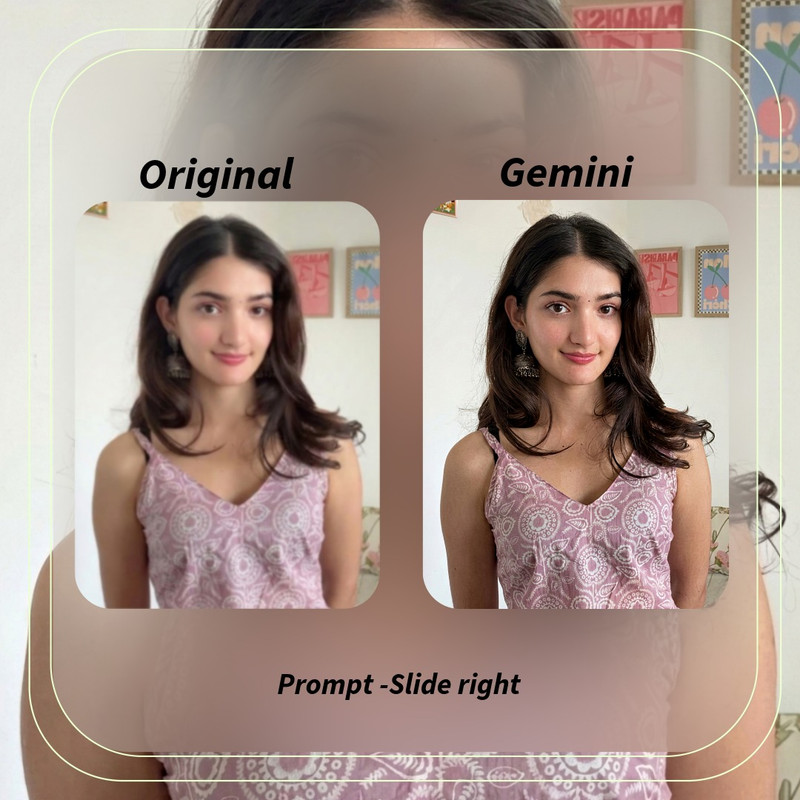 Post #1 A / 4k image
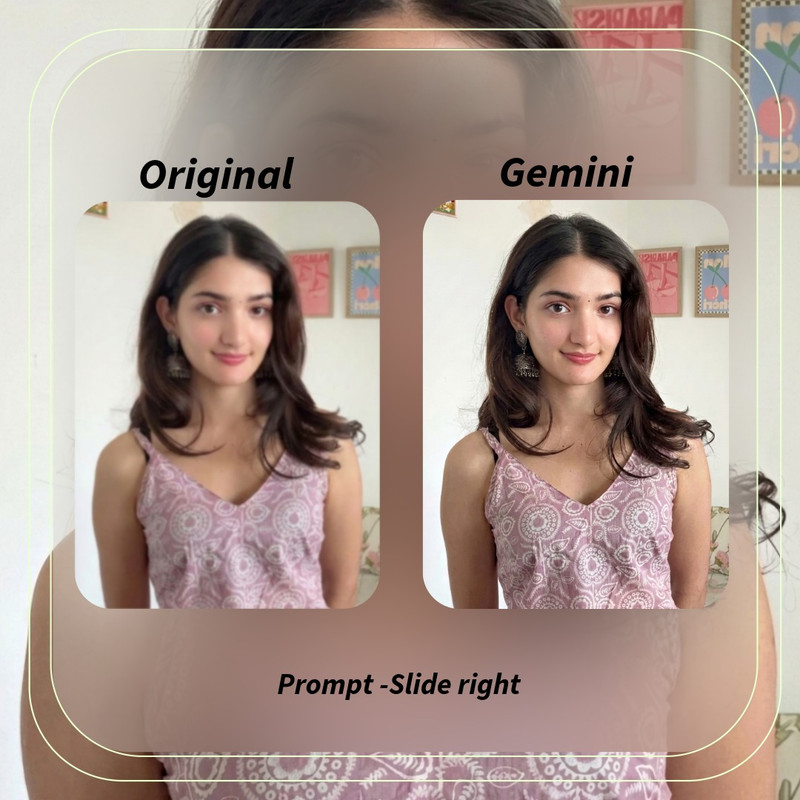 Post #1 B / 4k image
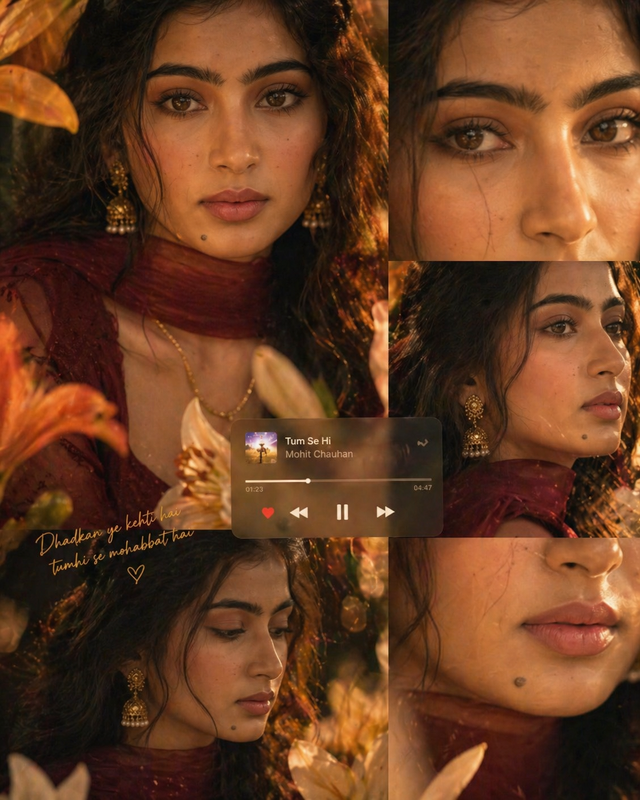 Post #2 / Golden Hour Memories ✨
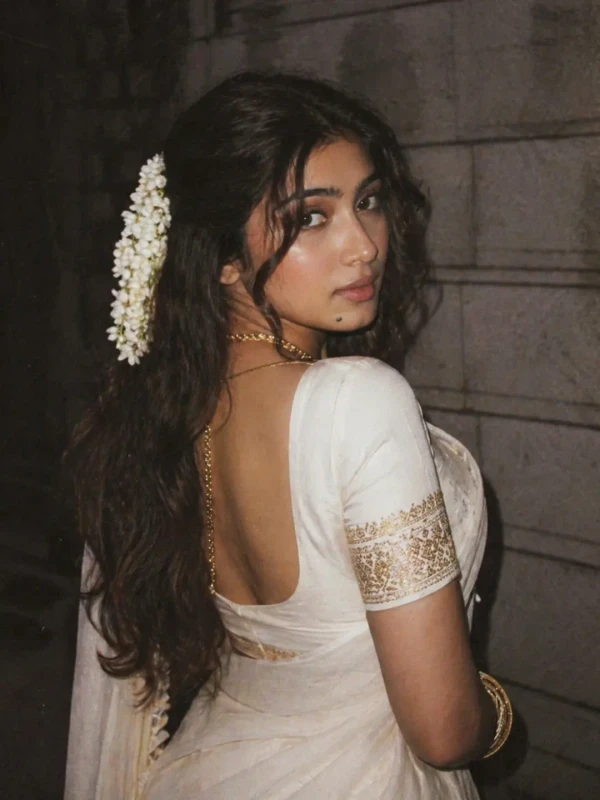 Post #3 / Golden Gajra Dreams
FAQ
- Is this prompt free?
- Yes, every prompt on EditGalaxy is free to copy and use.
- Do I need a paid AI tool?
- No — most tools have a free tier. Results may be limited on the free plan of some tools.
- Can I use my own photo with this prompt?
- Yes, if the prompt is written to use a reference photo, upload your own before generating.